Turn everyday photos into color dreams
270 hand-crafted presets in 25 styles – from moody cinema grades to airy wedding tones. Every preset gives a visibly different look and uses graduated & radial masks that shape the light.
Drag the line. See the magic.
Pick a style, choose a photo and drag the slider with your mouse or finger. Every result below is a single click – no extra editing.
25 styles. One for every story.
Buy only the look you need – or get all of them in the Mega Bundle and save 83%.
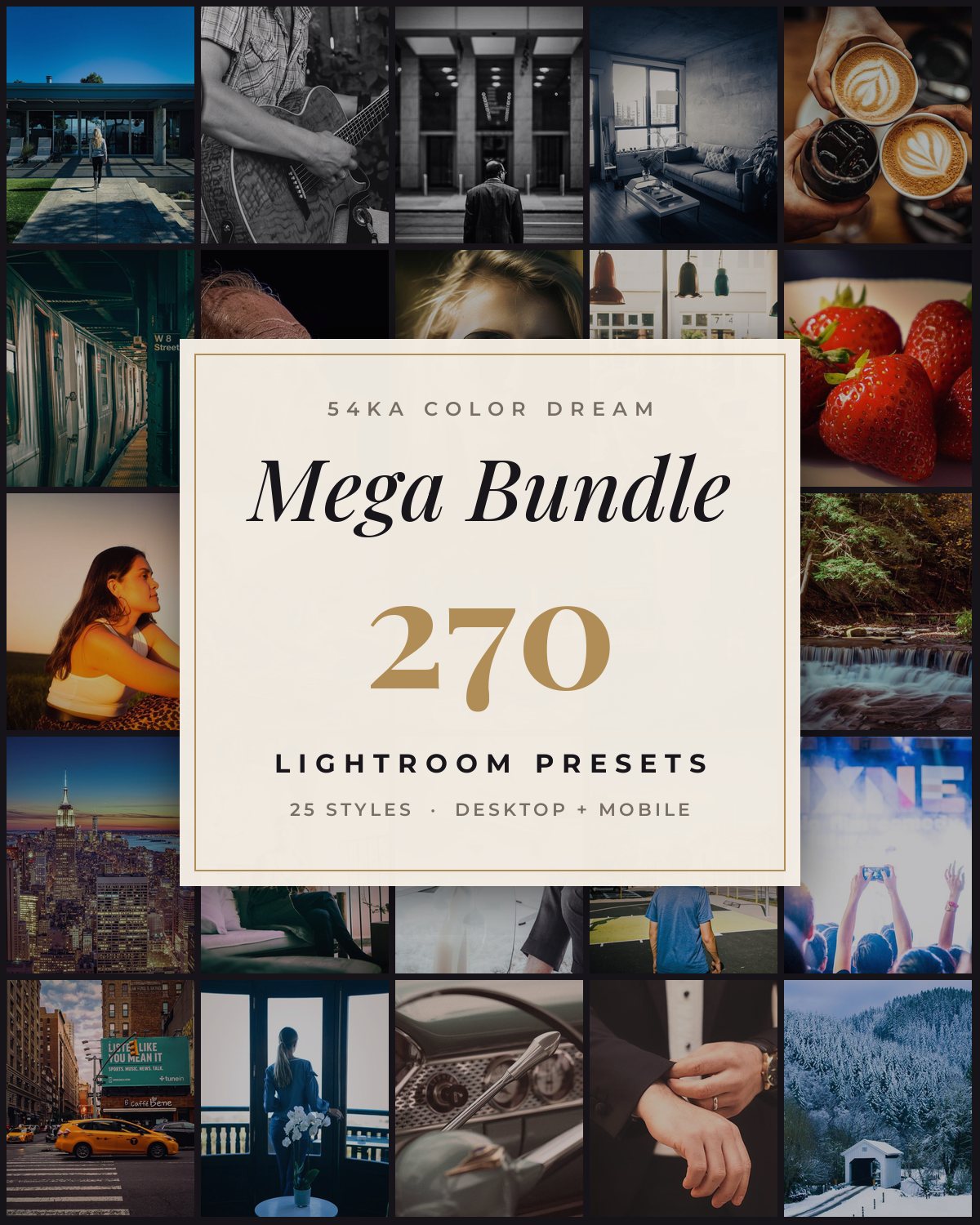
The Mega Bundle
every look, one download
All 270 presets in 25 styles. Bought separately the styles cost €351 – the bundle gives you the whole 54ka Color Dream universe for a fraction of that.
One-time payment · Instant download · Free for all future use
- 270 presets in 25 styles
- Lightroom Classic, Lightroom & Camera Raw (.xmp)
- Lightroom mobile files (.dng)
- Masks that shape the light
- Works on RAW and JPEG
- Commercial use of your photos
Made by a photographer, for photographers
Light-shaping masks
Each preset includes graduated and radial masks that guide the eye – move, resize or delete them in the Masking panel.
Desktop + Mobile
.xmp presets for Lightroom Classic, Lightroom and Camera Raw, plus .dng files for Lightroom mobile.
Adjustable strength
Use the Amount slider (0–200%) in Lightroom Classic 11+ and Lightroom desktop to dial a look up or down.
RAW & JPEG
White balance is relative (a Temp / Tint shift), so the presets behave beautifully on both RAW and JPEG files.
Predictable results
No Auto settings – what you see on the preview is what you get. Fine-tune exposure and you are done.
Commercial use
Use the presets on unlimited photos and use the edited images for client work, prints, ads and social media.
Up and running in a minute
Download, import, click. The presets appear in groups named “54ka Color Dream – <Style>”.
- Open the
Developmodule and find thePresetspanel. - Click
+›Import Presets… - Select the .xmp files (or the whole .zip file) and click
Import.
- Go to
Edit›Presets. - Click
…(three dots) ›Import Presets… - Select the .xmp files – they sync to your phone automatically when you are signed in.
- Unzip and save the files from the
Mobile (DNG)folder to your phone. - In Lightroom mobile tap
Add photosand import the .dng files. - Open one, tap
…›Create Preset, keep all settings (incl. Masking) selected and save. Repeat for each file.
- Open an image in Adobe Camera Raw (or Photoshop › Camera Raw Filter).
- In the
Presetspanel click…›Import Profiles & Presets… - Select the .xmp files or the .zip and you are ready.
Questions, answered
Will the presets look exactly like the examples on my photos?
Every photo is different. The presets are built to be predictable (no Auto settings), but after applying one, fine-tune Exposure and White Balance first – that is usually all you need.
Do they work on Lightroom mobile?
Yes. If you use Lightroom desktop, import the .xmp files there and they sync to the mobile app. Without Lightroom desktop, use the included .dng files to create the presets directly on your phone – the free Lightroom mobile app is enough.
Which Lightroom version do I need?
Lightroom Classic 11 or later, Lightroom (desktop) 5 or later, or Adobe Camera Raw 14 or later, because the presets use masks.
Can I use them on JPEG photos?
Yes. White balance in the presets is a relative Temp / Tint shift, so they work on JPEG and RAW files alike.
Can I use edited photos commercially?
Yes – use the presets on unlimited photos of your own and use the results for personal and commercial work: client work, social media, prints, websites and advertising. The presets themselves may not be shared, resold or redistributed. The license is for one person or one company.
How do I receive the presets?
After checkout on 54ka Stock Photo you get an instant download link to a .zip file with the presets, mobile .dng files, a preview image, README and license.
Your next photo deserves a dream grade
All 270 presets for €59 – or pick a single style from €9.